
The Complete Beginner’s Roadmap to DaVinci Resolve
Level up from zero to YouTube-ready with this complete beginner's guide to DaVinci Resolve.
Navigate, Edit, Color Grade & Deliver Videos in DaVinci Resolve With Confidence!
CLICK BELOW TO WATCH FIRST!
Find Out Why Understanding Davinci Resolve Is the Fastest Way to Level Up Your Video Projects
Does this sound like you?
Feeling lost every time you open Resolve.
Frustrated by choppy cuts and messy timelines.
Your colors look flat and washed out because nodes are confusing.
Wasting hours searching YouTube for scattered tutorials.
Feel frustrated trying to add text and effects to your final video.
Apply these easy workflows and project settings.
Navigate only the pages and tools you need to get the video done.
Download my custom keyboard shortcuts for faster editing.
Finally understand color grading tools and the best ones to use.
Confidently export and upload that cinematic final video.
What You Will Get in This Course
Getting Started & Interface Tour
Setup your project settings, navigate the software, import your media and customize your workspace.
Editing Workflow
Edit your video from start to finish with basic cuts, audio adjustments, color grading, effects, & more.
BONUS
Level up your skills with bonus videos that go more in-depth on audio and color grading processes.
Master the Essentials of DaVinci Resolve
From first launch to final export, follow simple, bite-sized lessons that show you exactly how to edit, color-grade, and deliver your first professional video.
Here's what you get:
Instant streaming access to 18 concise video lessons.
Downloadable keyboard shortcuts file for faster editing.
Gain confidence fast with only 90 minutes of course content. Including a BONUS 10 minute quick edit to get started.
Today Just
$47 one time
ABOUT YOUR INSTRUCTOR
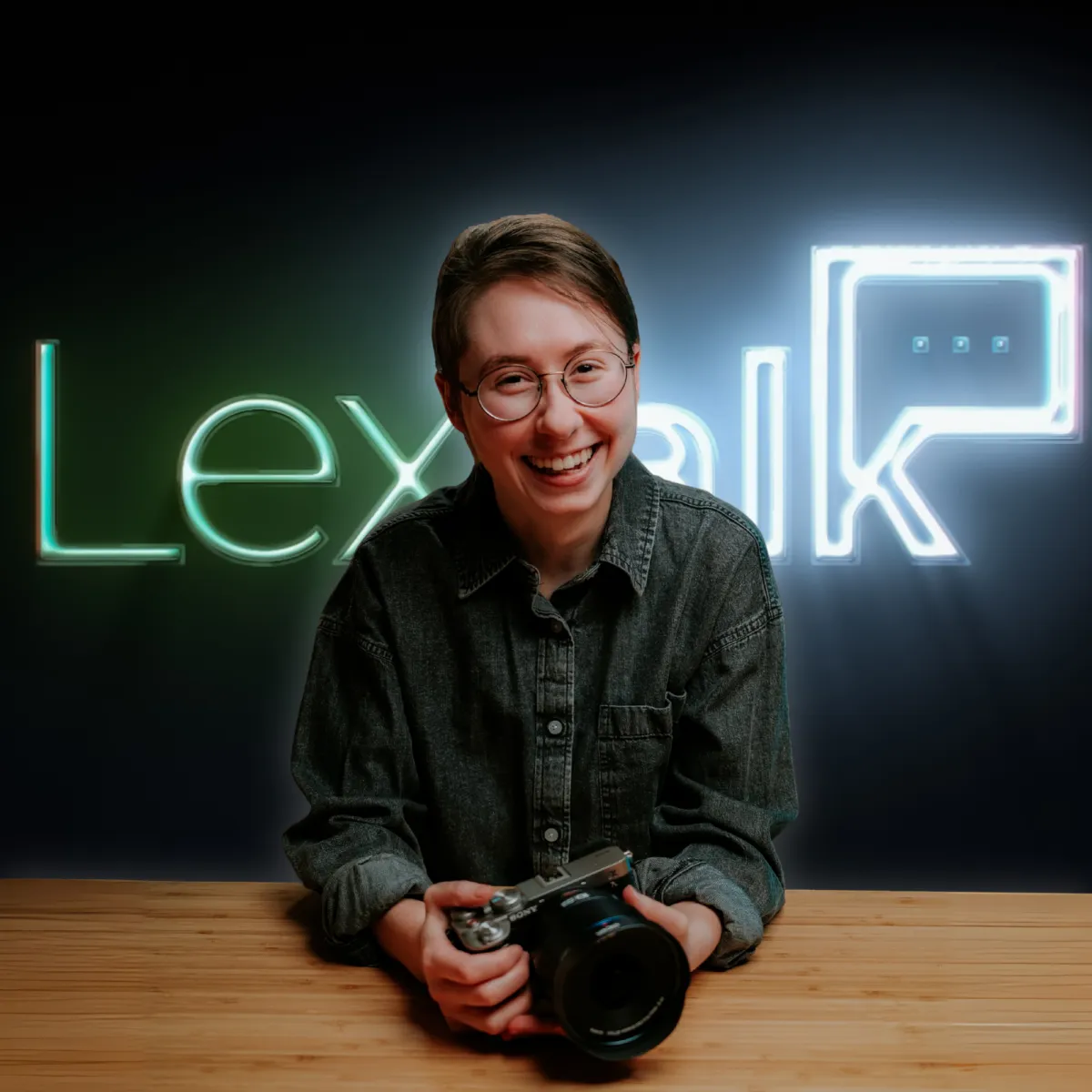
Meet Lex
Lex has been a filmmaker and video editor since 2018. Over the years, she has edited hundreds if not thousands of videos. She has also worked as Creative Director at her church since 2019.
WHO IS THIS FOR...
Perfect for new editors, content creators, marketers, and anyone wanting to create professional videos without being overwhelmed by software.
YouTubers
Content Creators
Freelance Video Editors
Social Media Managers
Aspiring Filmmakers
Marketing Professionals
Online Educators
Hobbyists & Tech Enthusiasts
STILL GOT QUESTIONS?
Frequently Asked Questions
Do I need the paid Studio version?
No. The main lessons are demonstrated in the free version of DaVinci Resolve 20, but some of the BONUS videos are done in the Studio Version.
I’ve never edited before—will I be able to keep up?
Absolutely! The course starts with the basics and builds up gradually, ensuring complete beginners feel comfortable before moving on.
How long will I have access to the course?
You receive lifetime access so you can learn at your own pace.
Enroll in the course now!
DaVinci Resolve QuickStart